
Rajasthan SSO ID Password Reset In 2026
Forgetting your password can be frustrating, especially when you’re trying to access important government services. Many users rely on the Rajasthan SSO portal for job applications, bill payments, and other public services, so being locked out of your account can be a real hassle.
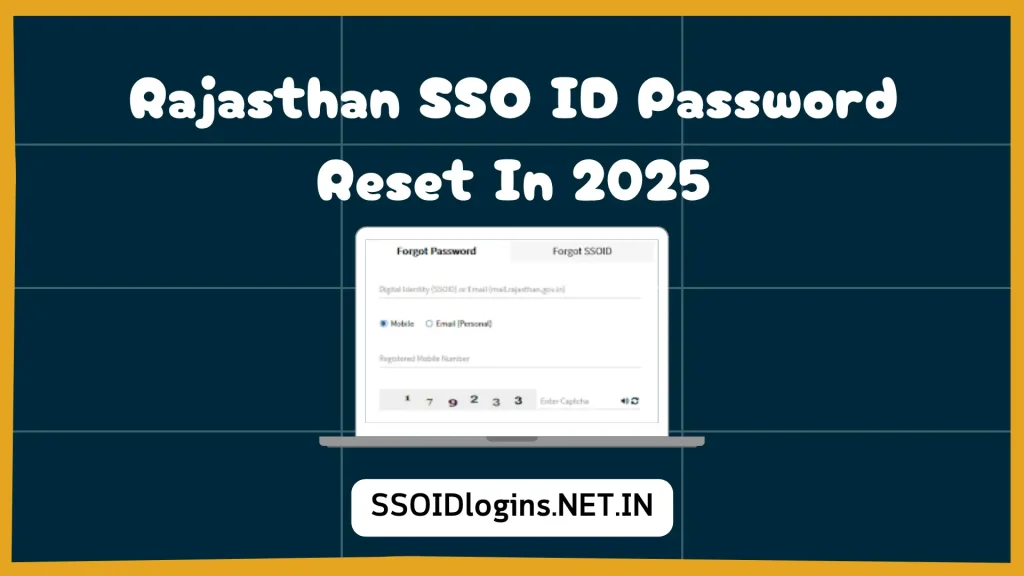
If you’re a registered user and can’t log in because you forgot your password, don’t worry. You’ll learn how to get your SSO ID password easily using your registered mobile number, email address, or Aadhaar ID.
What Is the Rajasthan SSO Portal?
The Rajasthan SSO portal is a government platform that allows residents of Rajasthan to access various online services with just one login ID. Whether you want to:
- Apply for a government job (e.g., RPSC, REET, etc.)
- Check land records
- Pay electricity or water bills
- Apply for government schemes
- Use eMitra Rajasthan portal services
You can do all of this with your SSO ID and password. But if you forget the password, you won’t be able to log in, unless you reset it.
When Should You Rajasthan SSO ID Password Reset?
You may need to reset your password in the following cases:
- You forgot your login password
- You lost access to your registered email or phone
- You think someone else has access to your account
- The portal locked you out after too many failed login attempts
If any of these situations apply to you, resetting your password is the right solution.
How to Reset Rajasthan SSO ID Password?
Here is a complete, step-by-step guide to resetting your password securely:
Step 1: Open the Official SSO Rajasthan Website
- Visit the official portal: https://sso.rajasthan.gov.in
- Make sure you’re using a secure internet connection and accessing the correct government website.

Step 2: Click “Forgot Password.”
On the home page, below the login section, click the “Forgot Password?” link. This will take you to the password recovery page.

Step 3: Enter Your SSO ID
Now enter your SSO ID. This is the ID you created during registration. Then click Submit.
Step 4: Choose Recovery Method
You’ll see multiple options to receive a one-time password for verification:
- Mobile Number – if it’s linked to your SSO account
- Email ID – your registered email address
- Aadhaar Number – if Aadhaar is linked with your SSO profile
Choose the method that works best for you and click Continue.
Step 5: Enter OTP and Verify
After choosing a method, you’ll receive an OTP on your selected device or ID. Enter the OTP correctly and click Verify.
Step 6: Set a New Password
Once OTP verification is successful, you’ll be asked to create a new password. Follow these tips:
- Password must be at least 8 characters long
- Include at least one uppercase letter
- Include one number and one special character (like @, #, $, etc.)
After entering and confirming your new password, click Reset Password.
Tips to Keep Your Rajasthan SSO ID Password Secure
Keeping your Rajasthan SSO ID safe is important, especially if you use it to access government services or personal data. Follow these detailed tips to protect your account from unauthorized access:
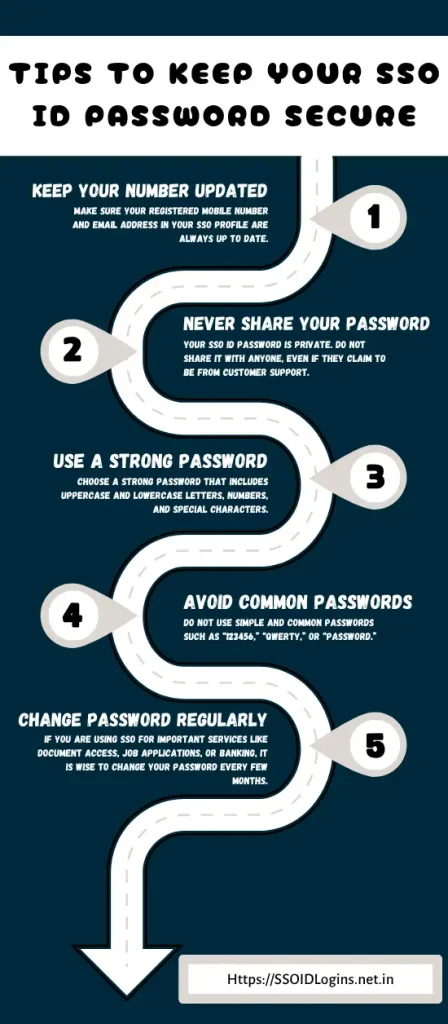
Always Keep Your Mobile Number and Email Updated
Make sure your registered mobile number and email address in your SSO profile are always up to date. These are needed to receive OTPs for password resets and important alerts. If your contact details are not current, you may face trouble recovering your account.
Never Share Your Password with Anyone
Your SSO ID password is private. Do not share it with anyone, even if they claim to be from customer support or any government office. Official staff will never ask for your password. Sharing it can lead to misuse of your account and data theft.
Use a Strong Password
Choose a strong password that includes uppercase and lowercase letters, numbers, and special characters. Avoid using personal information like your name or birthdate. A strong password reduces the chances of your account being hacked.
Avoid Using Common Passwords
Do not use simple and common passwords such as “123456,” “qwerty,” or “password.” These are easy to guess and often targeted by hackers. Always create a unique and hard-to-guess password.
Change Your Password Regularly
If you are using SSO for important services like document access, job applications, or banking, it is wise to change your password every few months. Regular updates keep your account more secure and limit the risk of unauthorized access.
What If You Still Can’t Reset Your Password?
If you’re unable to receive OTPs or facing any technical issue:
- Contact the SSO Rajasthan Helpline
- Use the Help/Support section on the website
- Visit your nearest e-Mitra center for help in person
Frequently Asked Questions
Conclusion
Resetting your Rajasthan SSO ID password is easy when you follow the correct steps provided by the official portal. Whether you’ve forgotten your password or just want to update it for security reasons, the process is user-friendly and takes only a few minutes. Always make sure your registered mobile number and email are updated to receive OTPs during the reset process.
Your SSO ID gives you access to many important government services, like job applications, electricity bill payments, and online forms. That’s why it’s important to keep your account secure and active. If you ever face issues logging in, just use the password reset method and follow the safety tips to protect your account from misuse.

He has over five years of experience in writing helpful guides that make it easier for people to understand and use digital platforms. His main focus is to help users complete tasks online without confusion or stress. Advik believes that everyone should be able to use government services, even if they are not very familiar with technology. He enjoys turning difficult topics into simple step-by-step information that anyone can follow. In his free time, he reads about new tech trends and looks for ways to make digital tools more useful for everyday people.


Main Apne Van time register ke password bhul chuki hun
Hi Ankita,
You can follow the above steps to reset your password.
Regards,
Support team
Sso id password reset please.
I lost sso id
Hi Subhash,
You can check the article on How to Find SSO ID? on our website.
Regards,
Support team
Passport reset
I forgot my sso id
Hi Bhavana,
You can follow the above steps to reset your ID & password.
Regards,
Support team
Sso id password change